










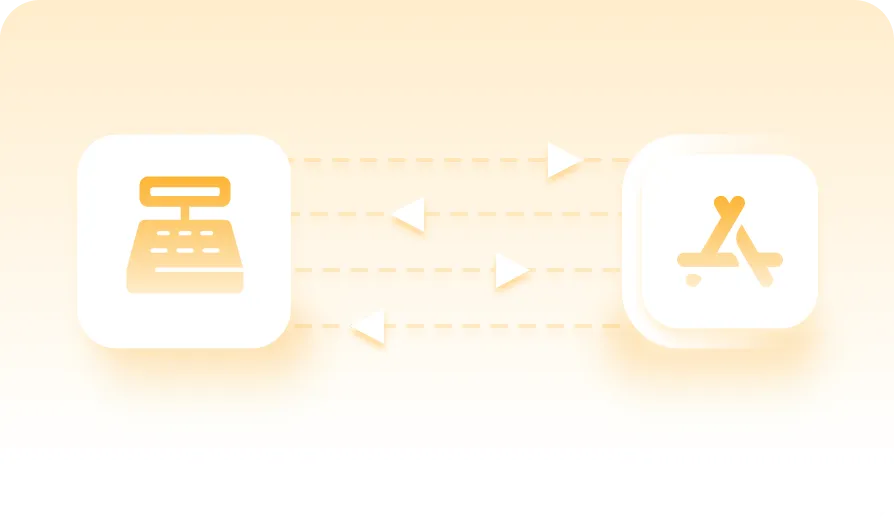
One menu, everywhere
Menus start from your POS where it supports it and are published once to every connected aggregator. What the till knows and what the aggregator shows stop drifting apart.
 ConnectFoundation
One connection, straight to your POS. Connect pulls the menu from the till you already run, syncs it to every connected aggregator, and receives their orders directly into the POS, with nothing recaptured by hand.

Connect is the part of Gateway that handles your third-party aggregators. It does one job well, point-of-sale integration plus aggregator ordering, on the same connected platform as every other YUMBI product.
Aggregators bring orders. They also bring tablets, orders recaptured by hand, menus that drift out of sync, and a stack of accuracy complaints when a rushed recapture goes wrong. Connect removes the middle step. The menu your aggregators see is the one you publish from Gateway, and their orders arrive in the POS you already run.
Menus start from your POS where it supports it and are published once to every connected aggregator. What the till knows and what the aggregator shows stop drifting apart.

Override prices per aggregator from Gateway, with day and time visibility rules, without touching the POS.
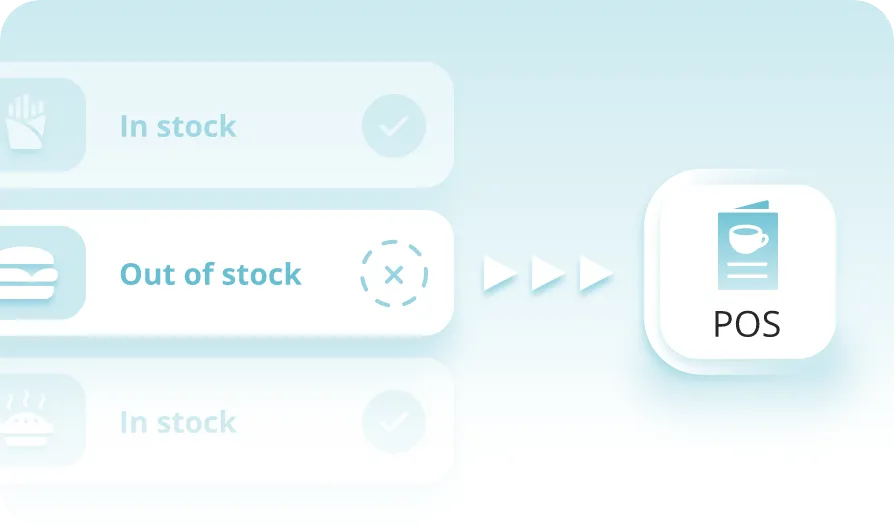
Mark an item out of stock once and every aggregator updates, automatically where your POS supports it or manually in Gateway.
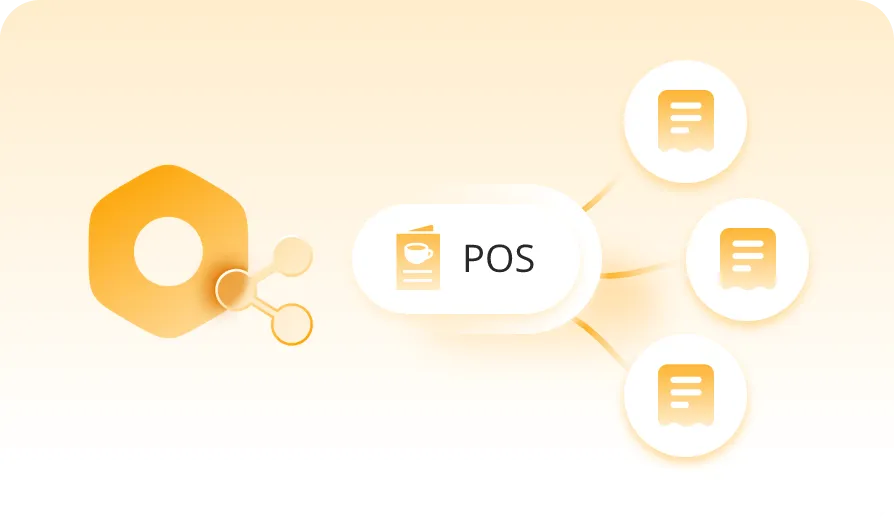
Every aggregator order is received, validated and injected automatically. No tablet, nothing recaptured by hand, and far fewer accuracy complaints.

A Connect-level view of aggregator revenue and order volume, so you see what each channel is really worth.
Where your POS supports it, Gateway pulls the menu straight from the point of sale, then you enhance it with images, descriptions, availability, and price overrides per channel.
One publish pushes the finished menu to every connected aggregator.
Every aggregator order is received, validated and submitted to the point of sale automatically, with nothing recaptured by hand.
If an order cannot reach the POS, it routes to the YUMBI GSM Printer or OrderUp tablet, so no order is lost.
Everything Gateway does for a menu and an order, surfaced to your aggregator channels.
 Menus built directly from your POS, where it supports itImages, descriptions, availability and per-channel price overrides managed in GatewayOne menu published to every connected aggregator at a clickAggregator orders received, validated and injected into the POS automaticallyBackup channels catch any order the POS cannot takeAggregator performance visible in Insights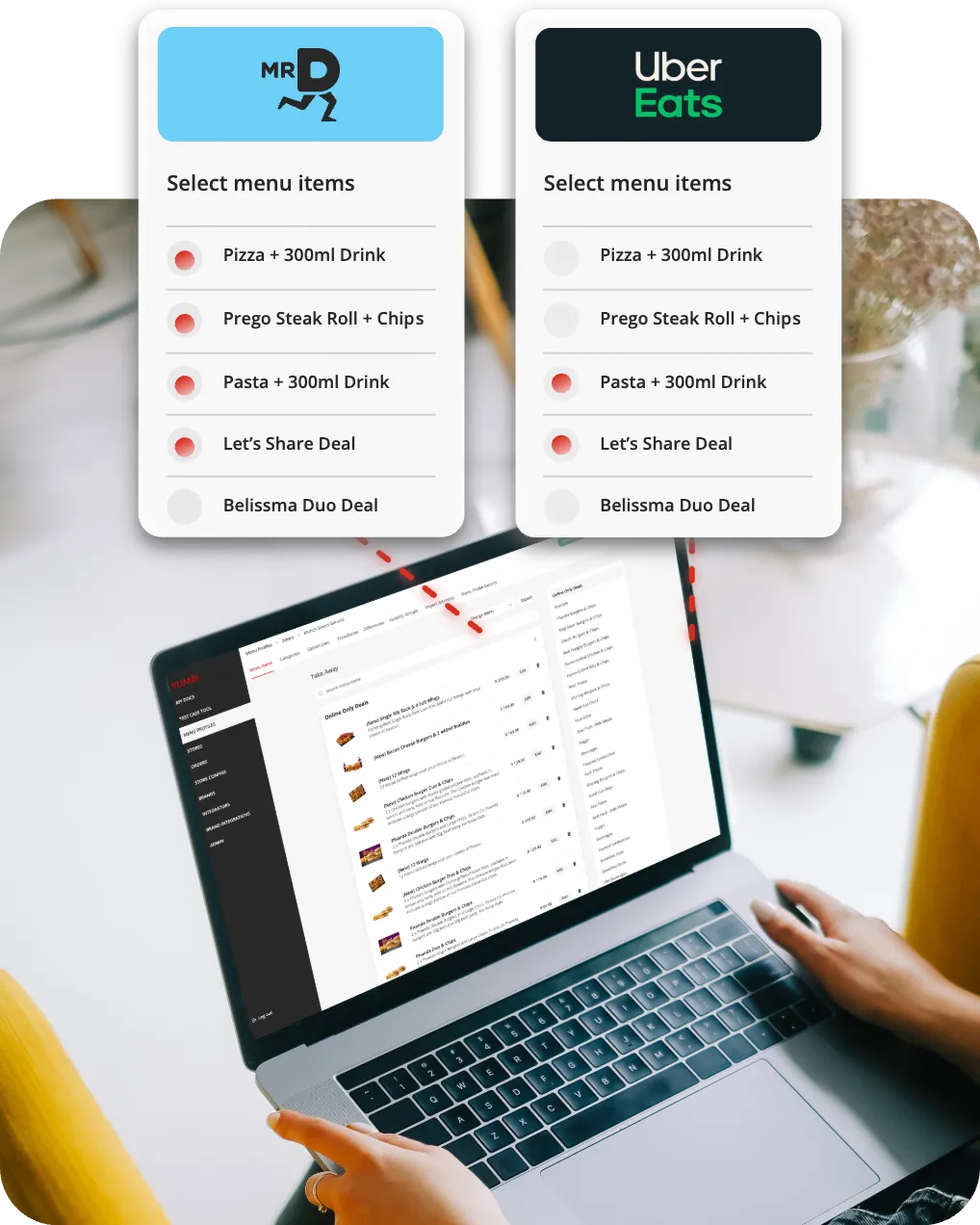
Measured by brands after moving to direct POS injection.
The upper end of what brands measured once orders stopped being recaptured by hand.
The engine underneath Connect, proven across 2,000+ locations.
Connect starts with the aggregator problem. Every product above it builds on the same Gateway foundation.
Connect is the aggregator-only edition of Gateway, its orchestration layer packaged with YUMBI's third-party aggregator ordering adapters. It connects your point of sale to the third-party aggregators you trade on, publishes one menu to all of them, and injects their orders straight into the POS.
Gateway is the full orchestration layer, covering every channel you trade on, first-party and third-party, plus delivery management and failover. Connect is Gateway's aggregator-only edition, covering point-of-sale integration plus third-party aggregator ordering, for brands whose immediate problem is aggregator orders. Connect runs on Gateway, so moving from one to the other is configuration, not a migration.
No. Connect integrates with the point of sale you already run through a certified adapter and sits between it and your aggregator channels. Nothing is ripped out or replaced.
Connect works through certified YUMBI aggregator adapters. The current aggregator partners are listed on the Integrations page, and new aggregators are added through the same adapter model as your markets need them. Each one receives the menu you publish from Gateway and sends its orders straight into your POS.
No. Connect covers point-of-sale integration and third-party aggregator ordering only. First-party ordering, and the payment and mapping integrations that come with it, live in StoreFront, Dine-In, To-Go and Switchboard, which run on the same Gateway foundation.
Gateway's failover keeps the restaurant trading. Aggregator orders route to the YUMBI GSM Printer or OrderUp tablet until the POS is back, then reconcile, so the kitchen never stops receiving orders.
Yes. That is the point of starting with Connect. Once aggregator orders are under control, add StoreFront, Dine-In or To-Go for first-party ordering, then Insights, BeHeard and Engage, each configured on the Gateway foundation you already have.
Start with the aggregator problem. When you're ready, add first-party ordering, intelligence and growth on the same Gateway foundation.
A 20-minute review of your aggregator volume shows the time and errors direct-to-POS injection removes, store by store.
Book a store reviewWalk through menu enhancement, per-channel pricing and out-of-stock control in Gateway, using your own menu as the example.
Book an ops walkthroughYUMBI's technical team maps Connect against your POS and current aggregator setup. No commitment, just clarity on what's involved.
Book a tech overview