










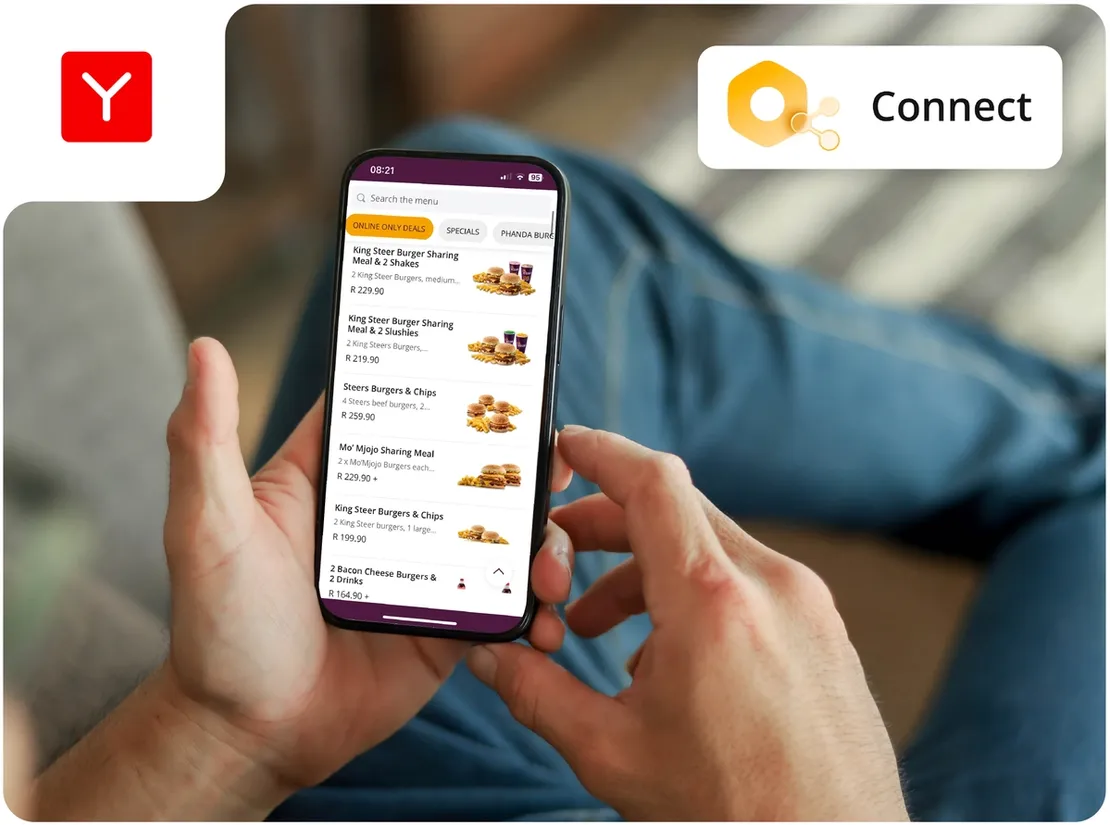
In this article you’ll learn about…
- Why managing the same menu in several places can cost you money.
- How YUMBI Connect publishes one menu to every connected aggregator.
- How to set different prices for different channels.
- How to manage out-of-stock items once instead of multiple times.
Your menu lives in more than one place
Your prices live in your POS. They also live on every aggregator you trade with. If you take orders through several channels, each menu needs to be maintained. That creates a potential problem resulting in a headache because every menu can start to look different from the next. For example, a price changes at Head Office, but one aggregator doesn’t get updated. Nobody notices until a customer or franchisee points it out weeks later.
Imagine an item is priced R10 too low on one aggregator. If you sell 30 of those items a day across 25 stores, that is R7,500 a day in margin you are not collecting. That’s the headache we’re talking about! The problem is not carelessness. It’s having several systems, logins and update processes with no single place to manage them.
One menu, priced per aggregator
YUMBI Connect gives you one place to manage your menu across connected aggregators. Connect can take your menu from the POS, where supported, and lets you add images, descriptions and day and time visibility rules. You can set your central pricing and margin rules, while giving an item a different price on a specific aggregator without changing the POS. Then you publish the menu once to every connected aggregator.

Out of stock? Change it once
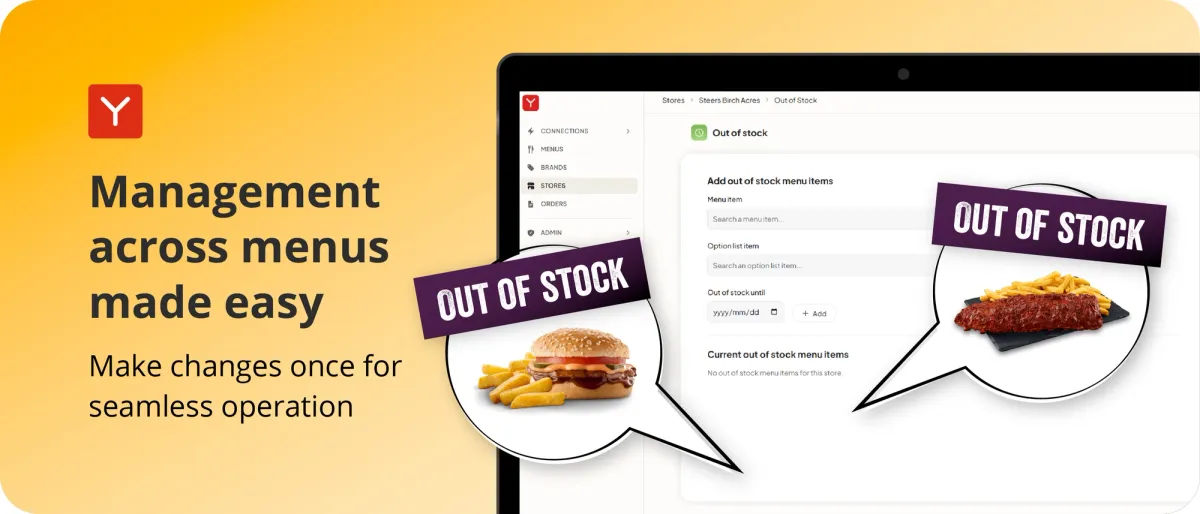
When an item sells out, you shouldn’t have to remove it from four different channels! With Connect, you mark it as unavailable once and the change is published across your connected channels. Where your POS provides the information automatically, Connect can handle this for you. That means customers are less likely to order something your kitchen no longer has.
Nothing gets retyped
Aggregator orders can be sent directly into your POS. Brands using direct-to-POS injection have measured up to two minutes saved per order and up to 60% fewer order accuracy complaints. If the POS cannot receive an order, Connect can automatically switch to the YUMBI Printer within 60 seconds, helping your kitchen keep working.
See what is happening
Connect also gives you an aggregator view in Insights. You can see whether each store is trading on each connected aggregator, with data refreshed throughout the day. You get the information in one place and you decide what to do with it! One menu, one place to manage it, and the flexibility to price each aggregator for your QSR.